Subscribe to password protected feeds in Google Reader using FreeMyFeed
 Many a times you might have faced a strange of problem of being unable to subscribe to password protected (or authenticated) feeds in web based feed readers such as Google Reader, NewsGator or Bloglines. In this article we will tell you about a method so as to how you can bypass the authentication procedure and subscribe to these feeds without entering any username or password.
FreeMyFeed is a service that provides you with an alternate URL for your password protected Feed. So when you subscribe to your password protected feed at this alternate location, you are not prompted for any username or password. To get your alternate feed URL you just need to fill in the password protected feed's URL, the username and password.
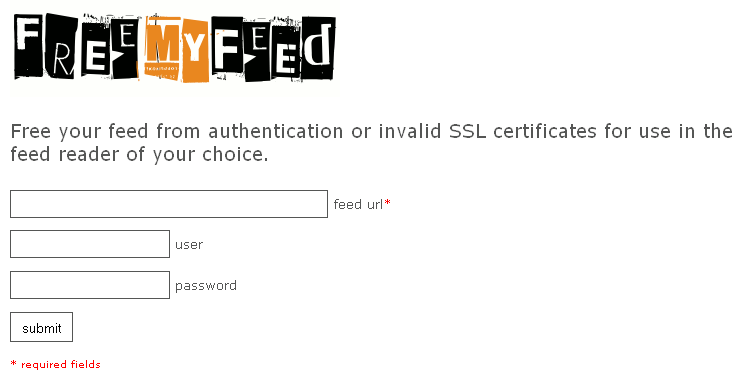
Enter your feed details in order to get the alternate URL
You will then be provided wih the alternate feed URL which does not ask for any authentication.

The abnormally long URLs produced by FreeMyFeed
As you can see the URL that has the alternate location for your feed is actually very long since it has the username and password encrypted in it. You can use an URL shortening service in order to reduce the length of the alternate feed URL. You might like to read the FAQ's of this service.