 A lot has been said regarding the upcoming release of Ubuntu, that is Ubuntu 9.10 Karmic Koala, – its new looks, new features etc. However, understandably, its KDE counterpart, Kubuntu 9.10 Karmic Koala, has been largely ignored and not a great deal of noise has been made about it. Here, in this article, we look at seven features, good as well as bad, that will be available with Kubuntu Karmic, which in our opinion needs to be watched out for.
So, here goes the list in no particular order:
KDE 4.3.1
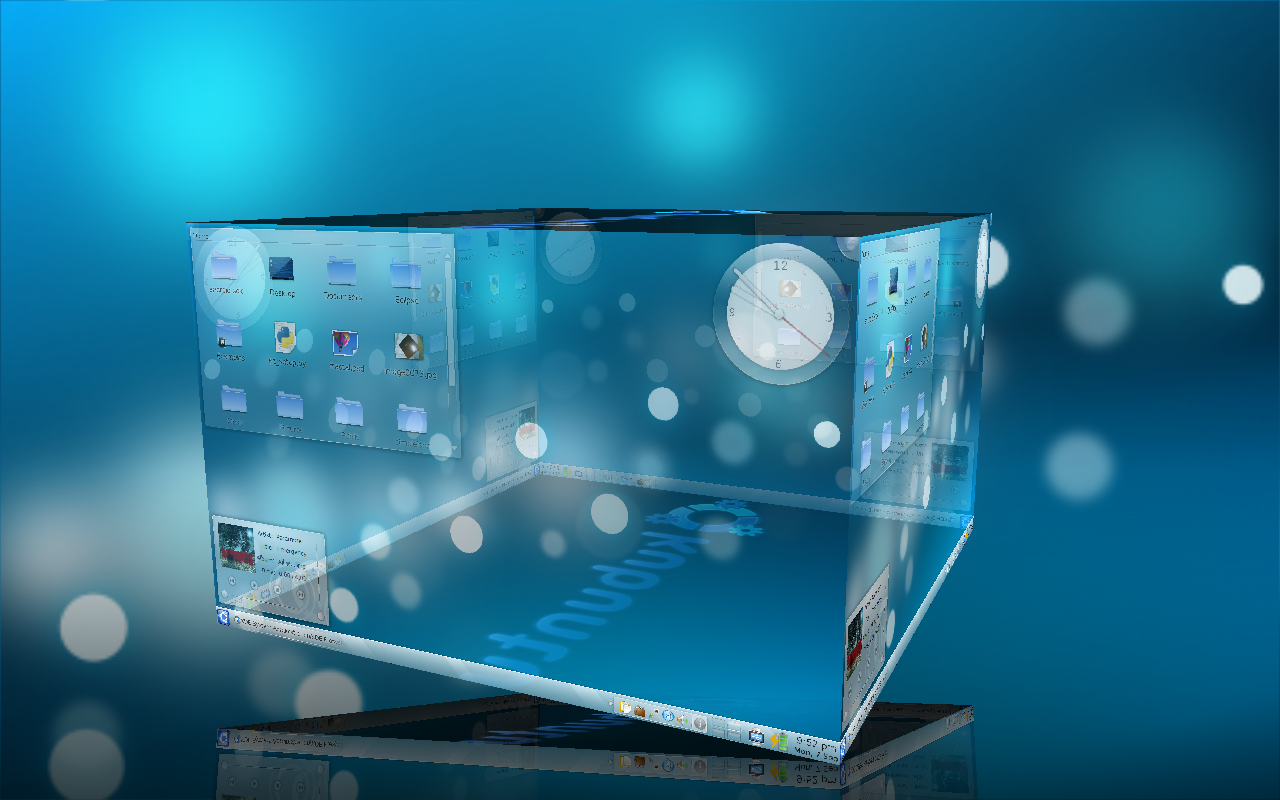
Kubuntu 9.10 will come with KDE 4.3.1. KDE 4.3.1 is an amazing desktop environment. It not only looks gorgeous but also has so much more improvements over KDE 4.2 which was used with Jaunty. Instead of the somewhat dark Oxygen theme used in 4.2, 4.3.1 uses the lighter Air theme by default. A very remarkable thing about KDE 4.3.1 that I have noticed is that it feels much more responsive compared to 4.2. The default windows manager, Kwin, has also received some attention and produces much smoother effects. A more complete review of KDE 4.3.1 can be found here.
Amarok 2.2 “Sunjammer”
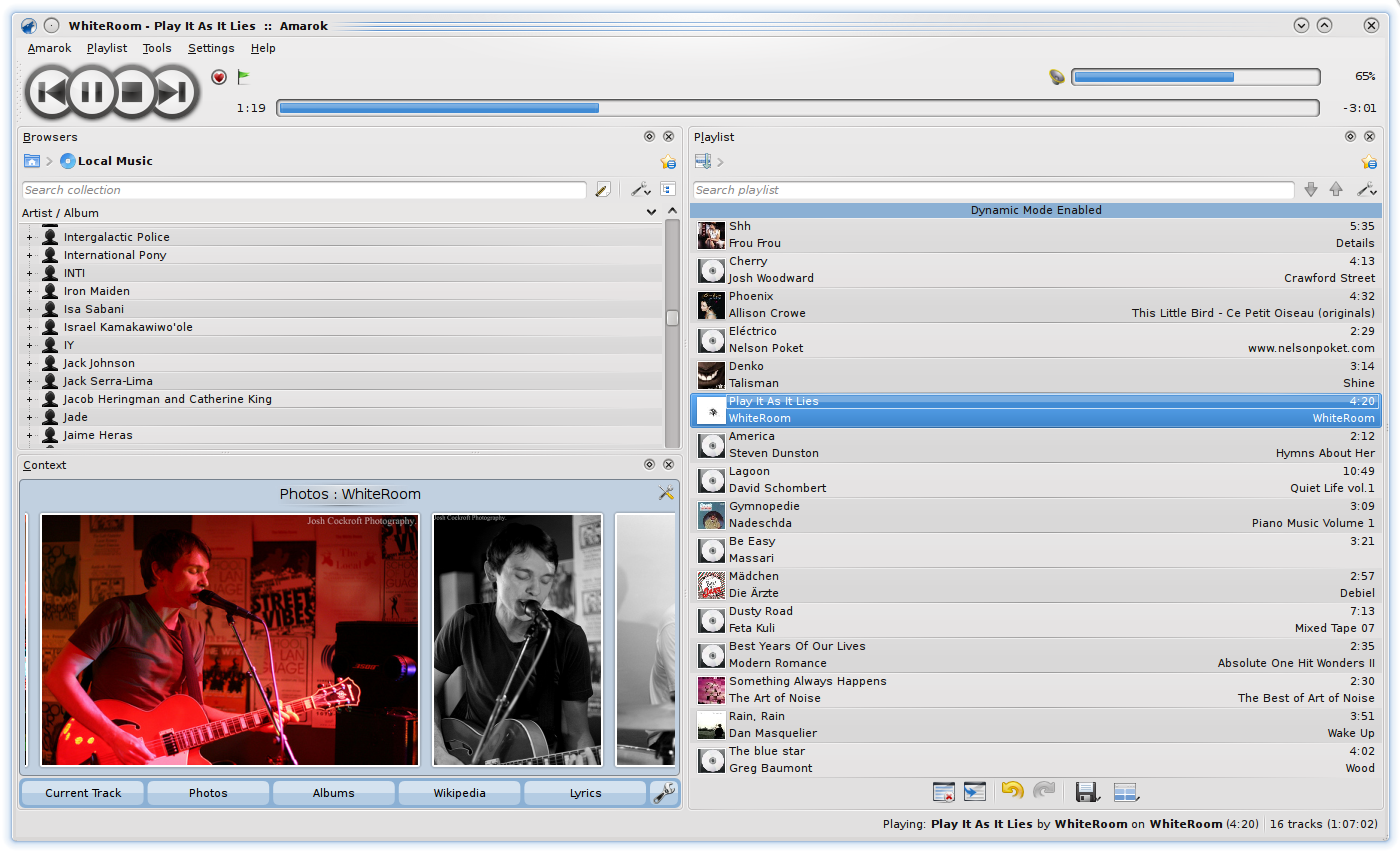
Amarok 2.2 “Summerjam”, the most popular audio player for Linux, will be shipped with Kubuntu Karmic Koala. This is one release that promises to bring back a lot of the features that went missing when the Amarok 2.x series was started and a lot more. It now has dockable elements and improved media device handling capabilities among other things.
Open Office KDE Integration

Kubuntu 9.10 Karmic will come with Open Office 3.1.1 which has been specially integrated with KDE by the KDE developers. This means that all the Open Office applications will have the Oxygen theme so that it will no longer look different from the other KDE applications. They will also use the KDE file dialog instead of the Gnome ones to open and save files.
Plasma Netbook Shell
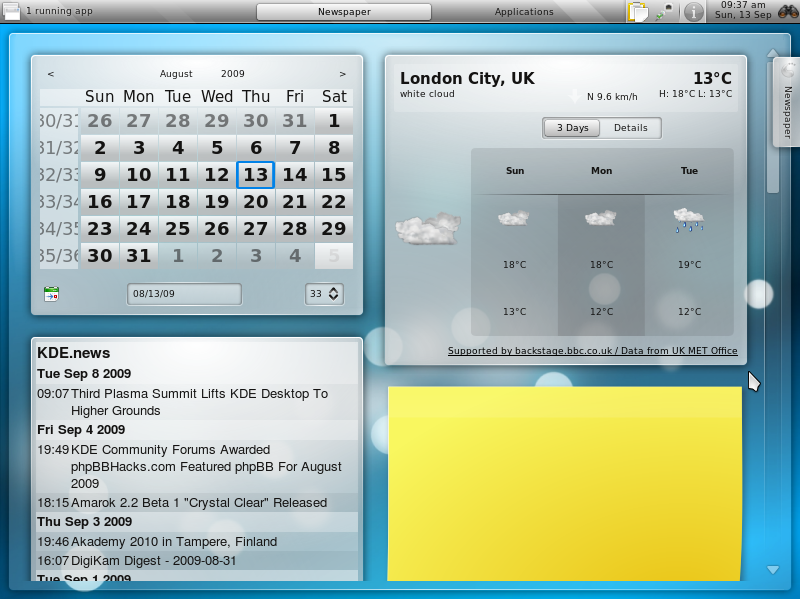
The Plasma Netbook Shell, which will be introduced with KDE 4.4 that is Kubuntu 10.04 Lucid Lynx, will be available with Kubuntu Karmic Koala as a technical preview of what is to come next year. Currently it is still in the alpha stage and is not meant to be fully functional or stable. However, the Plasma Netbook Shell certainly looks amazing even now and has a host of features that is certainly bound to demand a lot of attention when it is finally release.
K3b 2
 Now this is one controversial desion that the Kubuntu delopment team has taken. They have actually decided to put the alpha version of K3b 2 with Kubuntu 9.10, something which even Fedora hasn’t done. Refering to the to the K3b website, this is what they have to say regarding K3b 1.66, which is one of the alpha versions of K3b 2, “There are still many open issues with the GUI which needs fixing. So this is only a testing release, not intended for production work.” Will this decision to ship Kubuntu Karmic backfire? Well we can only know when the final release is available on October 29.
Ayatana Notification
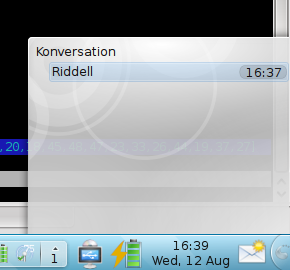 You have probably seen the Ayatana Notification System is if you have used Ubuntu 9.04 Jaunty jackalope (although you may not be aware of what it is called before). The Ayatana Notification is the notification that you see in Jaunty with the small envelop icon which takes care of notification for new IM, email or other notifications, instead of each of the applications having its own notification. This will be now available in Kubuntu 9.10 Karmic Koala.
Firefox
 For Kubuntu Karmic users, installing firefox will be a easier than a walk in the park. No more typing in the terminal, just go to the place under Internet where firefox normally would be and you will find an installer. Just run it and it will download and install firefox just like that. It has not been possible to put firefox in the CD because of size constrain, so this is the next best option.
If you feel that some other new feature should have made it to the list or something in the list shouldn’t be there, do leave a comment.