 With the release of the all new LinkedIn API, making your WordPress.org blog more visible to the world just got easier. You can just add a “Share on LinkedIn” button below your blog posts to let your readers share the posts with their connections on LinkedIn. In this article we will tell you how to do it and also show you the WordPress code snippet to let readers share your wordpress.org blog posts on LinkedIn.
The LinkedIn link share API suggests that you use the following general format for sharing any link on your website with LinkedIn:
http://www.linkedin.com/shareArticle?mini=true&url={articleUrl}&title={articleTitle}&summary={articleSummary}&source={articleSource}
We are going to make use of this feature to share posts on LinkedIn. You you need to do is simply past the following Code Snippet in your single.php file for your blog’s theme:
This code snippet will place a share on linkedIn image below your blog posts and includes a summary of the post you want to share.
In case you do not want to share the summary, use this code snippet:
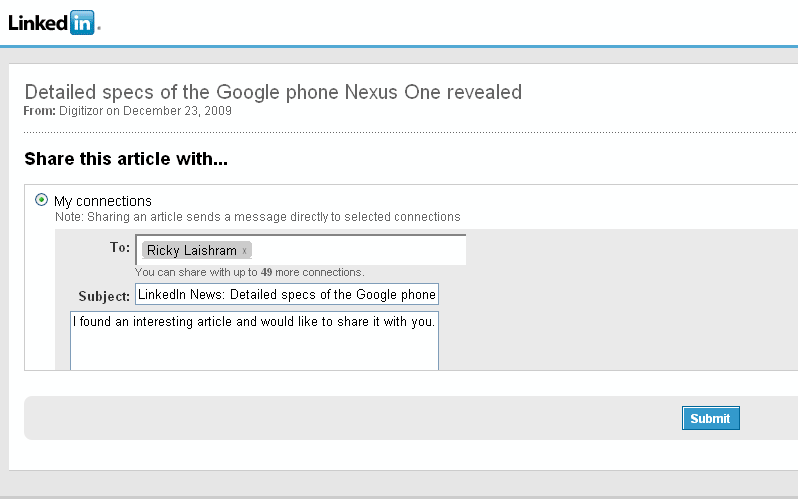
This code snippet will place a share on linkedIn image below your blog posts and on clicking the image you or your readers will be taken to their LinkedIn profiles’ Share link page which looks like this:
We will also release a plugin shortly that will help you do share your wordpress.org blog posts easily on LinkedIn without any code edit as above.