How to display Mashable style “Image next to Post Title” related posts on your WordPress blog?
A while ago Mashable had introduced a new style of displaying related posts on their blog as shown below. In this article we will tell you how you can show related posts on your blog in a similar way, i.e. Image next to Post Title.
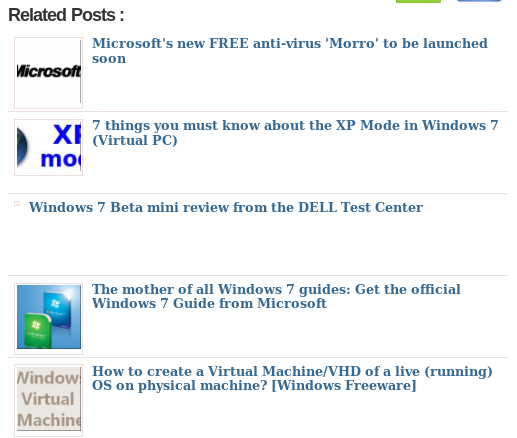
There is this nice plugin called wp-thumbie that lets you achieve this awesomeness of displaying Mashable style "Image next to Post Title" related posts on your WordPress blog. You can download it from the official website. You can install this plugin as you would install any other plugin on your wordpress blog.
There are two ways of displaying this plugin. You can insert the code manually in your template or enable the display from the plugin settings right after your post content. You can always contact us in case you have any problem in setting up this problem.