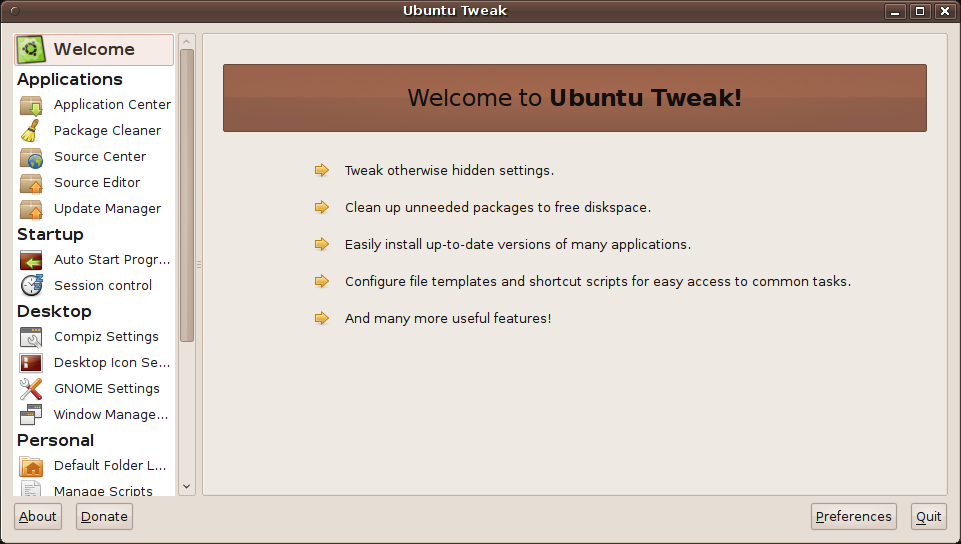
Ubuntu Tweak is an application using which you can tweak various settings in Ubuntu among other things. Ubuntu Tweak 0.5.0 was released a few days back with a new interface and some new features. In this post we will show how to install Ubuntu Tweak 0.5 in your Ubuntu system.
Ubuntu Tweak 0.5 is not available for releases of Ubuntu before 9.10. So, you need atleast Ubuntu 9.10 to install Ubuntu Tweak.
To install follow the following steps:
- Open the terminal.
- Add the required repository with the command:
sudo add-apt-repository ppa:tualatrix/ppa
- Update the software list with the command:
sudo apt-get update
- Finally, install Ubuntu Teak with the command:
sudo apt-get install ubuntu-tweak