 In case you were looking for an utility or a way in which you could automatically turn off Windows Vista’s Speech Recognition capability, we have something for you. In this article we will tell you about a small – nifty utility called Speech Saver using which you can easily turn off the speech recognition (SR) feature in Windows Vista automatically after a few minutes of no activity.
Speech Saver is a small utility using which you can control the idle time before which you can the speech recognition shuts down automatically. Speech Saver can be downloaded from the project page. Here is a direct link.
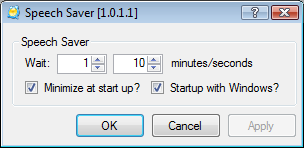
Image via Microsoft