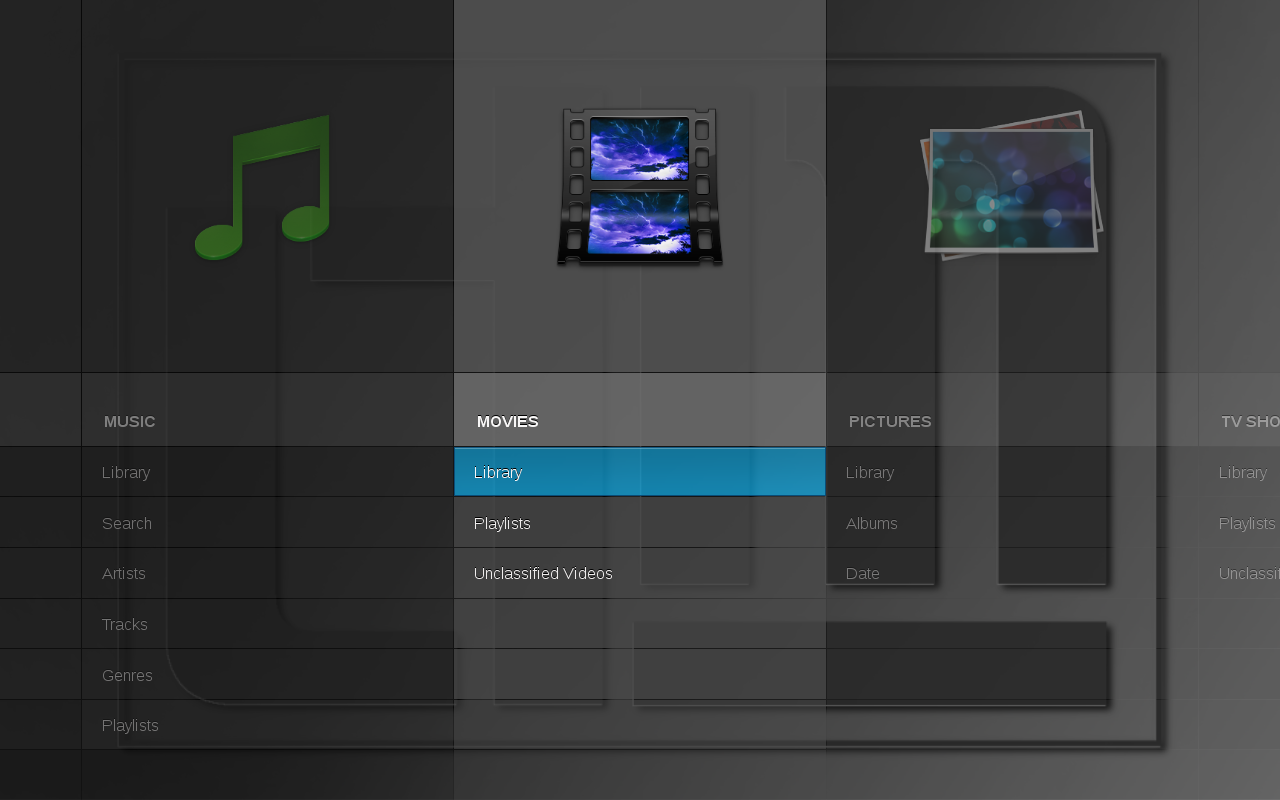
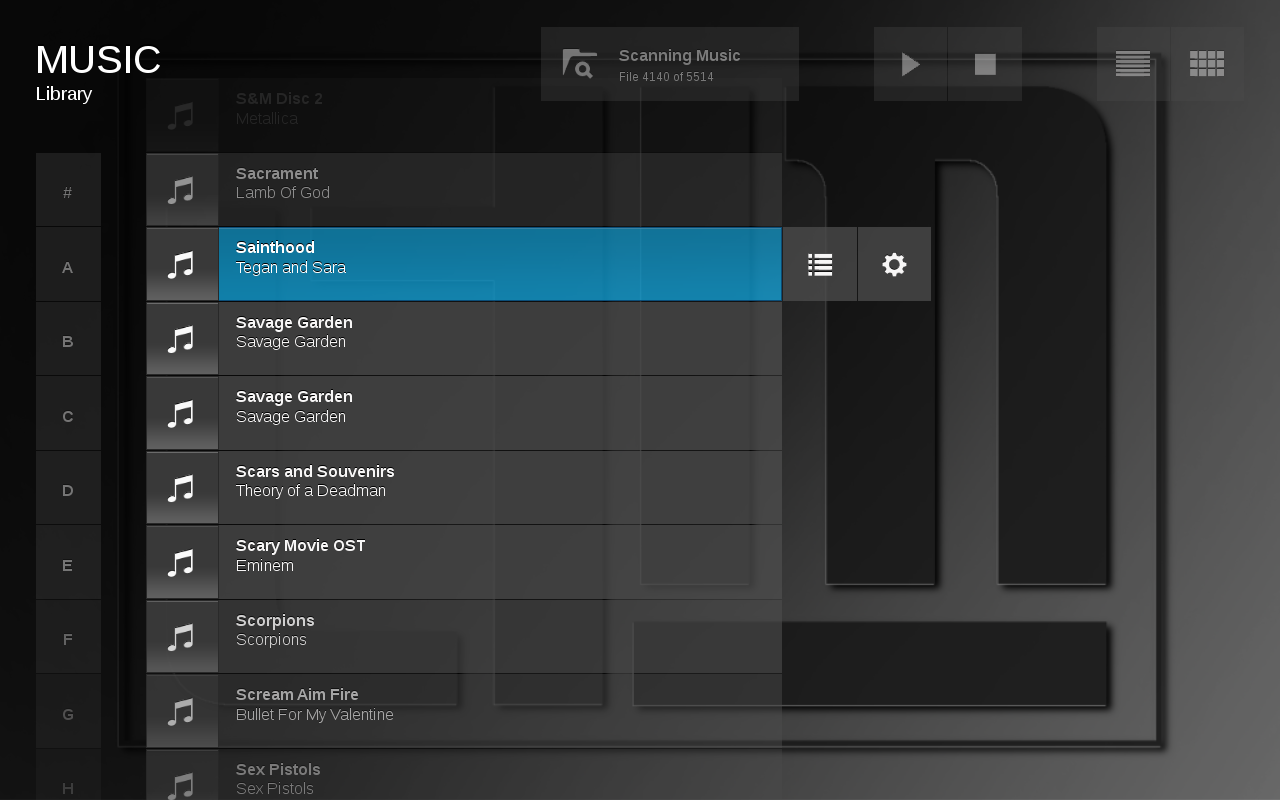
 If you want to set up a Home Theatre PC running on Ubuntu 9.10, look no further than Moovida. Moovida has a 10 feet interface which is perfect for a living room TV and it can be used through a remote control. It uses the GStreamer multimedia framework and so supports a huge number of file formats. In addition it also brings Internet TV to your living room.
In this article, we will show you how to install Moovida Media Center in Ubuntu 9.10.
- If you do not have Ubuntu 9.10 already, I suggest you install it first. If you need help, you can refer to this page.
- Open terminal and run the command given below:
sudo gedit /etc/apt/sources.list
- Then add the lines given below in the source.list file and save and close.
deb http://ppa.launchpad.net/moovida-packagers/ppa/ubuntu karmic main
deb-src http://ppa.launchpad.net/moovida-packagers/ppa/ubuntu karmic main
- Then enter the command given below to add the GPG key.
sudo apt-key adv –keyserver keyserver.ubuntu.com –recv-keys 26C2E075
- Update the source list with the command
sudo apt-get update
- Then install Moovida with the command given below:
sudo apt-get install moovida
Now that Moovida has been installed, you can start it from Application -> Sound & Video -> Moovida Media Center. You can get more plugins from here.
Check out the best LCD TV deals before actually buying one.