 With the widespread use of smartphones nowadays, QR Codes have become very popular. There are quite a few online and offline tools to generate QR codes. You can also do that through a Google Chrome extension. With this extension, you can generate a QR code from some text on your browser or a link on the page.
You can get the extension from here -> QR Code Generator.
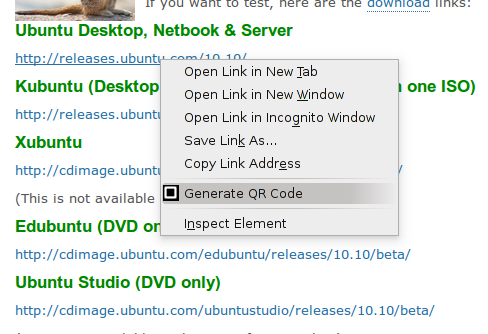
After it is installed, all you have to do is right click on a link or select a test and right click on it and select “Generate QR Code“.
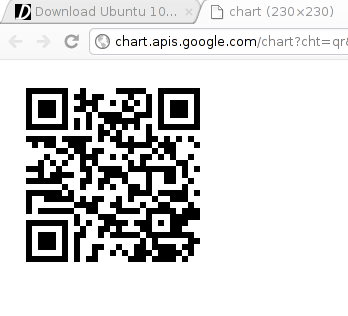
The QR code will open in a new tab.

And just to check. Yes it works.