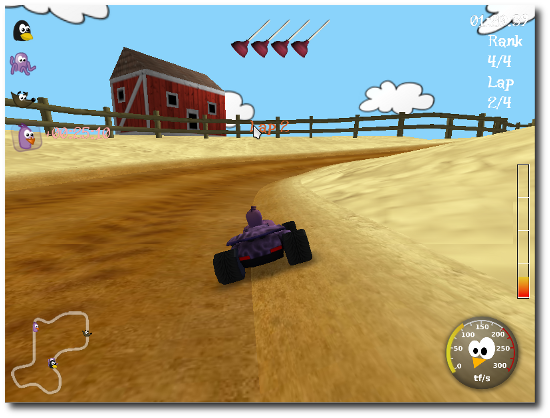
SuperTuxKart is one of the most well known games for Linux. It is an arcade racing game which originally started out as a fork of TuxKart.
Yesterday, a new version of the game was released – SuperTuxKart 0.7. SuperTuxKart 0.7 has a number of new features which includes:
- new GUI
- kart and track animations
- new and improved tracks, karts, and items
- shortcut/alternative way support for tracks
- Asian fonts
- many many bugfixes
How To Install SuperTuxKart 0.7 In Ubuntu 10.04 and Ubuntu 10.10
A PPA is available for the game. So installation is very easy, just open the terminal and execute the following commands:
(You might want to check out this video before installing.)
$ sudo add-apt-repository ppa:stk/dev
$ sudo apt-get update
$ sudo apt-get install supertuxkart
After installation, the game will be found at Applications > Games > Supertuxkart.
If you are interested in Linux games, you might also want to check out Caster as well.
[source: SuperTuxKart Development Blog via OMG!UBUNTU]