 Docky probably needs no introduction, but for those who do not know, “Docky is an advanced shortcut bar that sits at the bottom, top, and/or sides of your screen. It provides easy access to some of the files, folders, and applications on your computer, displays which applications are currently running, holds windows in their minimized state, and more.” In short, Docky is a dock just like the one you find in Macs.
After installing Docky, I found that it reserves some portion at the bottom of the screen for itself.
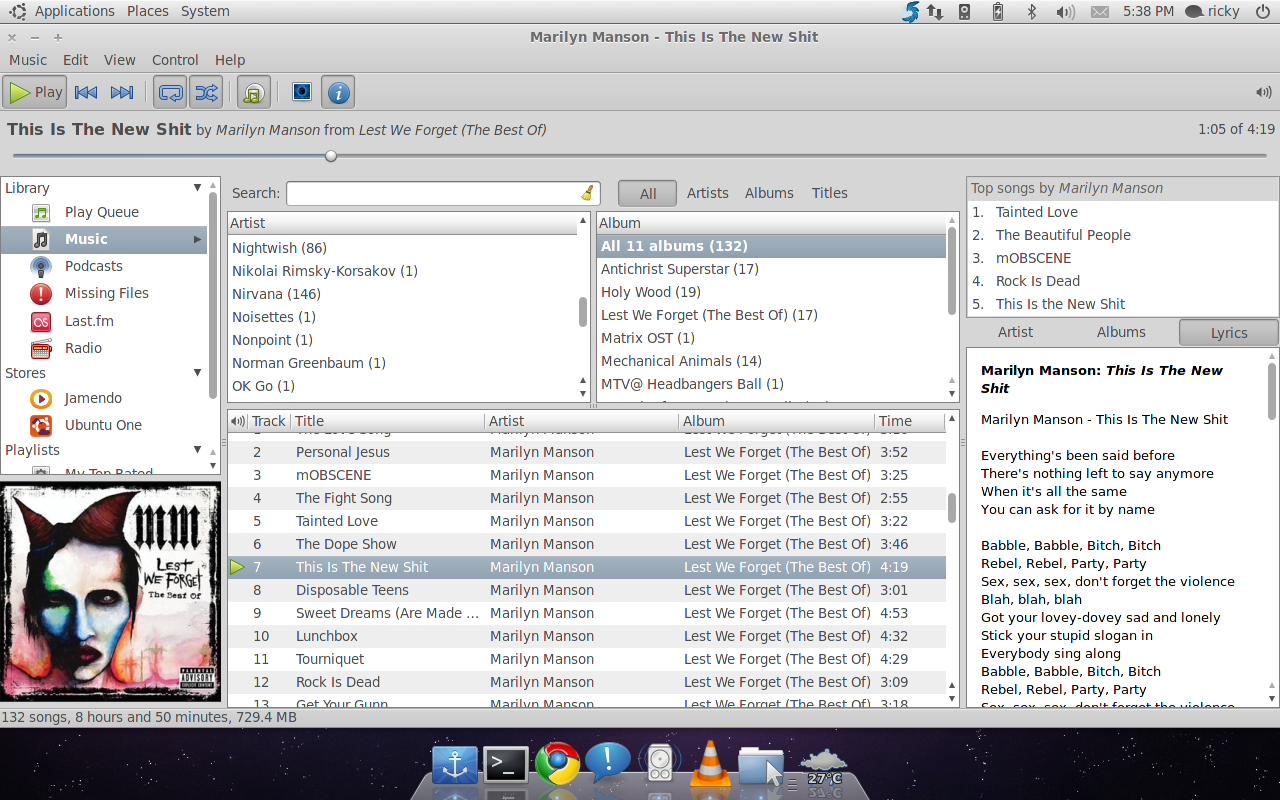
As you can see above, a lot of space is wasted. So I wanted the windows to use all these space and Docky to go on top of the windows. This is what I wanted:
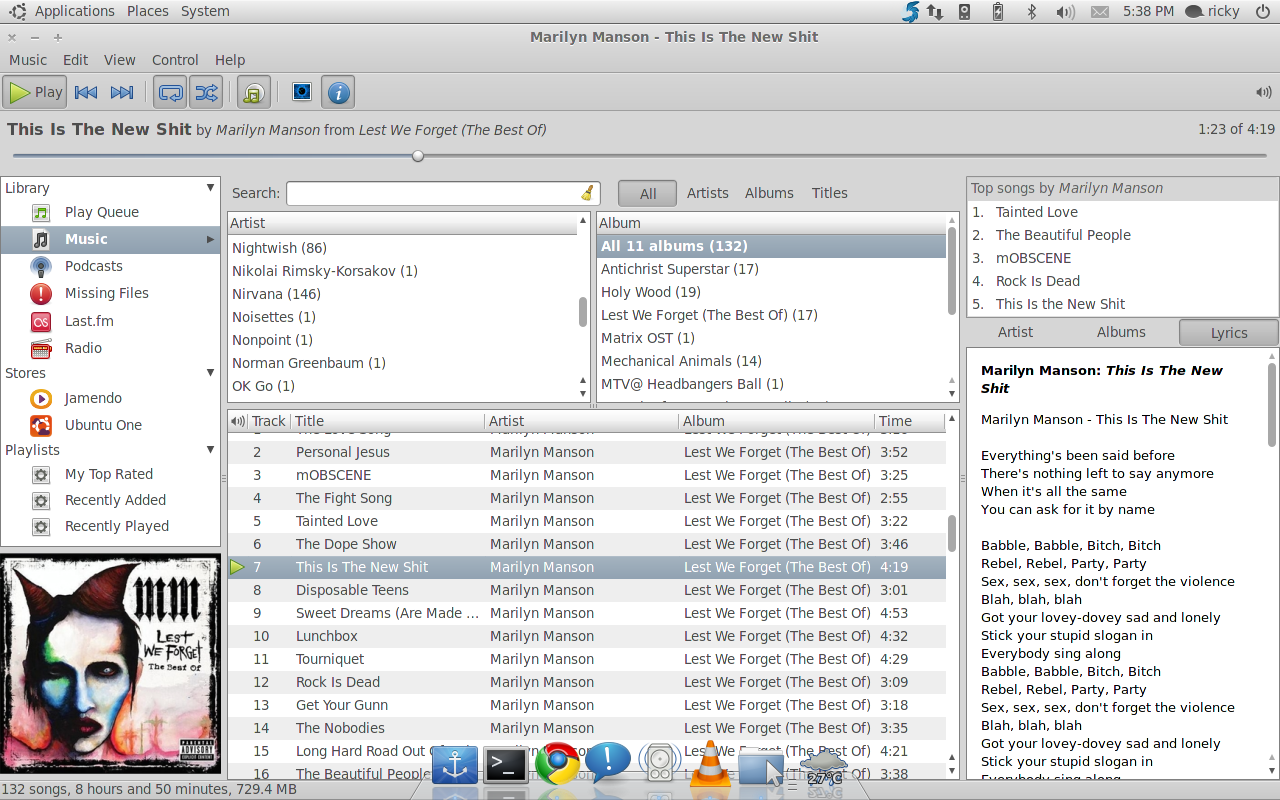
Unfortunately there is nothing in the Settings to achieve this. So, here is how to do it:
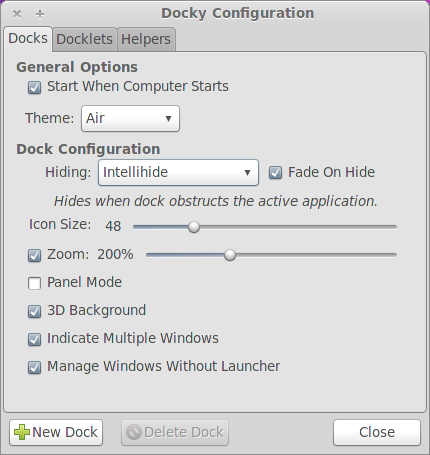
- Right click on the Docky icon in the dock and go to Settings.
- In Settings, choose anything other than None in Hiding under Dock Configuration. Check Fade on Hide too.
- Then press ALT+F2 and enter gconf-editor.
- Go to /apps/docky-2/Docky/Interface/DockPreferences/Dock1/ and chnage the value of FadeOpacity to 1.
- Restart Docky. Done. 🙂
(Thanks Robert!)