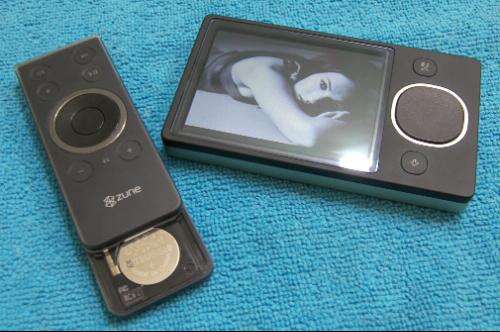
 Lifehacker has a quick tip (a tweak) that lets you use any Infrared Remote control with your Windows Media Center (MCE) PC. The remote controls that you can use after you apply the tweak include the Zune Wireless Remote, Xbox 360 Universal Media Remote, Apple Remote and your standard Media Center Edition remote among others.
The tweak basically involves changing the Infrared Red(IR) ID on the registry as long as you have the media center IR receiver. Windows is configured to listen on IR Channel 1 by default that supports your Standard MCE Remote. In order to make way for the Zune Remote or the XBOX 360 remote all you need to do is change the Channel value to 8.
But this would only let you use the Zune and XBoX remotes and you won’t be able to use other remotes including the standard MCE remote. So the solution is to change the value to Zero, which would allow you to use any IR remote with the MCE PC. Here is how you do it.
- Open the registry.
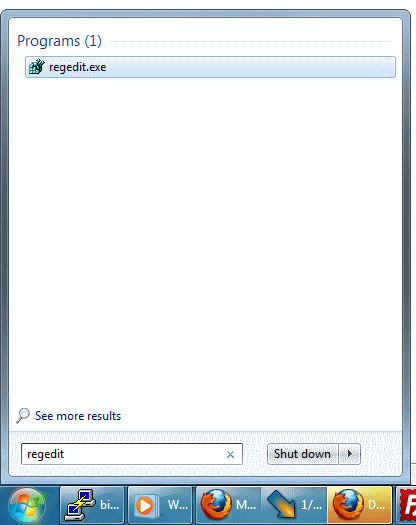
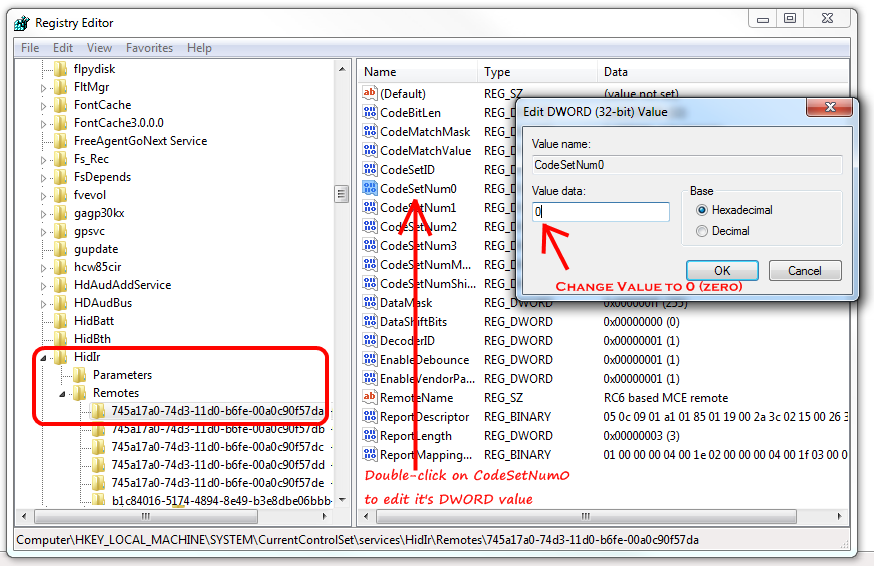
- Scroll down to Computer\HKEY_LOCAL_MACHINE\SYSTEM\CurrentControlSet\services\HidIr\Remotes\745a17a0-74d3-11d0-b6fe-00a0c90f57da.
- Find the REG_DWORD named CodeSetNumO and change the value to Zero. Reboot the PC and enjoy.
Via eHomeUpgrade