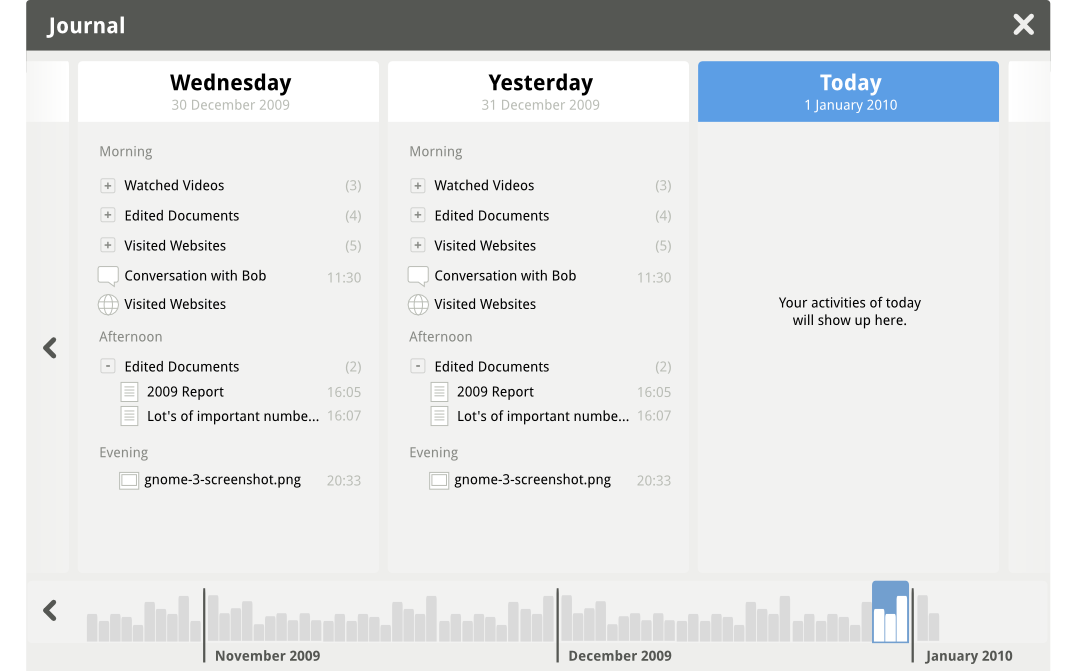
The GNOME Activity Journal is a tool to easily find and access files and other resources in your computer. It was previously known as Zeitgeist. While the early release supports basic file management activities. It is expected to develop into a much more capable tool because of its underlying framework. In this post we will tell you how to install the GNOME Activity Journal in Ubuntu Karmic Koala.
To install it in Karmic, follow the steps:
- Add the zeitgeist PPA in the repository list.
sudo add-apt-repository ppa:zeitgeist/ppa
- Update the software list
sudo apt-get update
- Finally install the GNOME Activity Journal.
sudo apt-get install gnome-activity-journal