Banshee 1.7.3 has just released with Amazon MP3 Store integrated into it. The Amazon MP3 Store is, however, only in US, UK, France, Switzerland, Germany, Austria and Japan. Other than the Amazon Store, this version of Banshee also has lots visual improvements and lots of bug-fixes. You can check out the changes here.
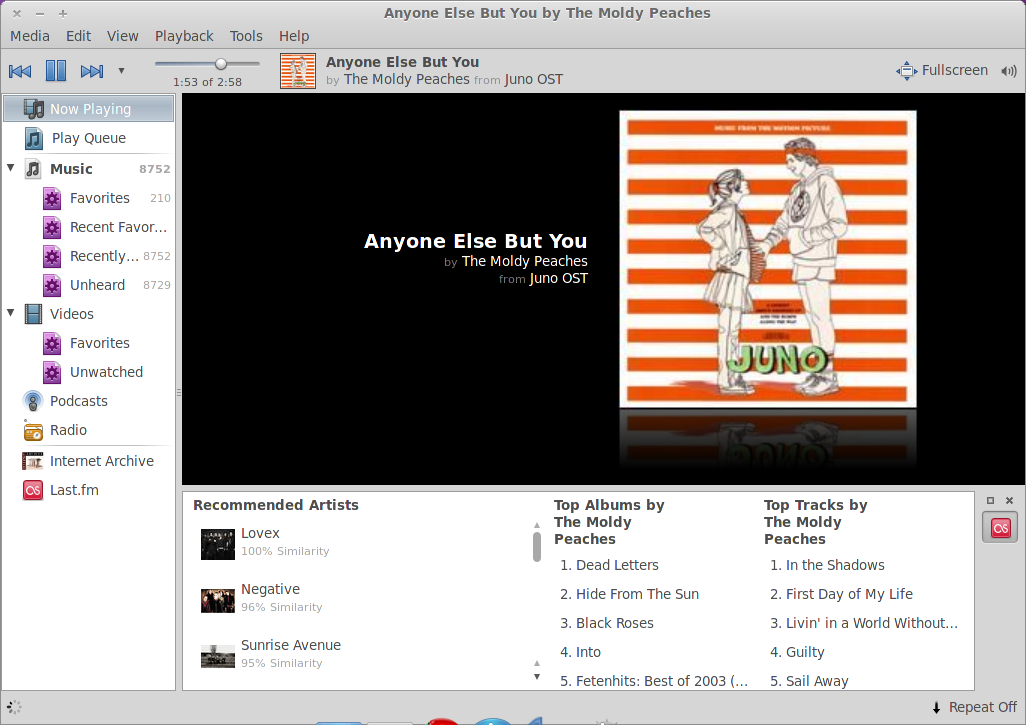
Banshee 1.7.3 is not available in the Official Ubuntu Repository. It is however already available in the Banshee Daily Build PPA. To install it, open the terminal and execute the following commands:
sudo add-apt-repository ppa:banshee-team/banshee-daily
sudo apt-get update
sudo apt-get install banshee
After you have installed, Banshee will be found under Applications -> Sound & Video -> Banshee Music Player.