Recently, we wrote an article giving you a visual tour of Gnome 3 Shell. If you want to experience it first hand, we will tell you what you how to do it in this article. Just to start off here is a screenshot of the Gnome 3 Shell:
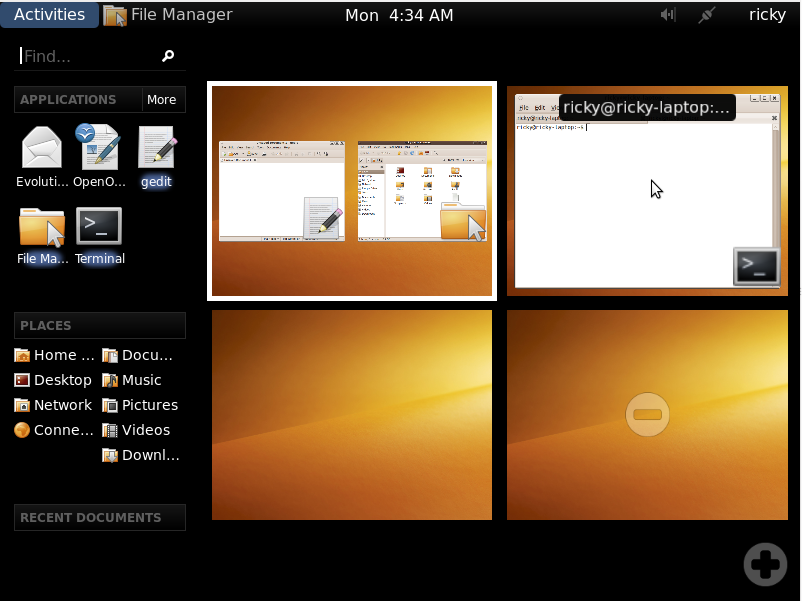
This post talks about the Gnome 3 Shell, if you are looking to install the Gnome 3 Desktop then see this. You might also want to try the Gnome 3 Desktop environment before installing it.
Note: Gnome-Shell is still in the development stage and there is always the possibility of something breaking.
1. Open terminal and run the command below to install the Gnome Shell
sudo apt-get install gnome-shell
2. After the installaton is done you can start it using the command below in terminal
gnome-shell --replace
3. If you have intel graphics and get just a blank screen after the above command run the command given below before the command in step 2.
export GNOME_SHELL_DISABLE_TFP=1