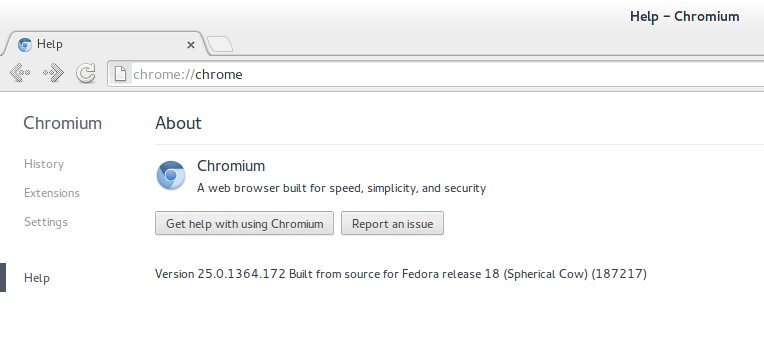
If you are not aware, then Chromium browser is the one that powers Google’s famous Chrome browser. Although the Chromium browser is free and open source, it has not been included in the official Fedora repositories. However, you can still install it using one of the unofficial repositories maintained by Tom Callaway who happens to be the Manager of the Fedora Engineering team at RedHat.
In this article we will tell you how to install the Chromium browser on your Fedora Linux system.
Step 1: Install the Stable Chromium repository for Fedora Linux. You can do so using the following command in a terminal:
su -c "wget http://repos.fedorapeople.org/repos/spot/chromium-stable/fedora-chromium-stable.repo -O /etc/yum.repos.d/fedora-chromium-stable.repo"
This will basically download the Google Chrome repository for Fedora Linux and copy it inside your /etc/yum.repos.d directory
Step 2: Now you can simply install Chromium Browser by issuing this command:
sudo yum -y install chromium
This is approximately a 43MB download. After the download and install is over, all you need to do is launch Chromium from the Fedora main menu. Alternatively you can launch Chromium browser from the command line using the following command:
chromium