Facebook tip: How to edit link titles before sharing them on Facebook?
Advertisement
When you share a link on Facebook, the title of that page is automatically grabbed along with a short summary. In some cases the link that is grabbed may not be well formed or defined. So you can actually edit the title or even the description. In this article we will tell you how to do so.
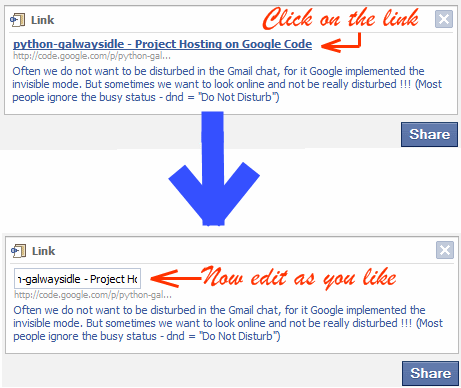
After you attach a link, Facebook grabs the Title and the description of the page. Now, to edit the title of the Link you just attached, click on the title. You will see that the title now can be edited. After your edit is over you can just click any where out of the edit box to finish the editing. You can similarly edit the description area too.
Advertisement