At the Inside Search event, Google has announced some new exciting features – Search by Image and Voice Search. Search by Image is exactly what it sounds like and you can read about it in our earlier article.
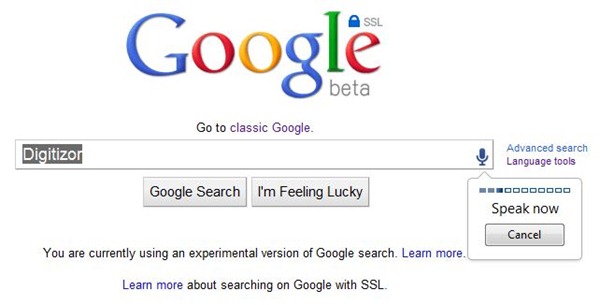
Google Voice Search is also exactly what it sounds like – you can speak your search queries instead of typing them. This feature has been available on Android phones and now Google is bringing it to the desktop as well.
Google will start rolling out Voice Search today and will be available to all Chrome users by the end of this week. You will know that you have this feature when you see a microphone icon at the right of the search box.
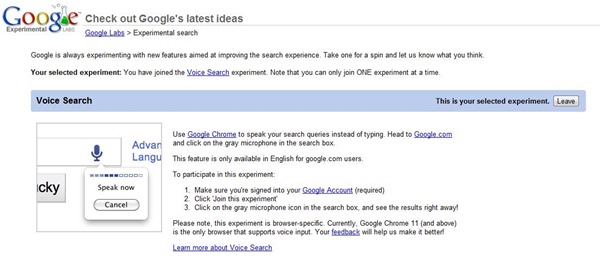
However, if you are do not want to wait to wait, you can get it Voice Search now itself. Google has been running Voice Search experimentally. So, if you are interested, you can simply opt-in to the experiment to get the feature now.
Here is how you can do it:
- Log in to your Google account.
- Go to http://www.google.com/experimental/
- Find Voice Search (It is actually at the top.)
- Click on Join this experiment.
That is it. The next time you use Google Search, you will see the microphone icon on the right. Click on the microphone icon to use this feature.